
Why use a virtual lab when students need real practical skills?
A virtual lab gives students more chances to investigate when equipment, time or access is limited. They can change something, explore the result and try again, then bring those questions to a physical experiment.
Sometimes the obstacle is getting started at all. One former electrical engineering student recalls an experiment for which none of the lab's oscilloscopes worked. Their group of about four had to buy diodes and other components to get one working. Repair can be a useful lesson, but completing an assigned experiment should not depend on students finding spare parts first.
A simulation offers another place to explore while equipment is unavailable. It still leaves the institution responsible for providing working equipment and physical practice.
The chance to try again
Imagine a class exploring how light affects photosynthesis by comparing covered and exposed parts of a leaf, then testing for starch. Preparing the plant alone can take about 48 hours in an established school method. If students want to repeat the experiment, they need another prepared leaf and must wait again to see the effect of light. See the practical method.
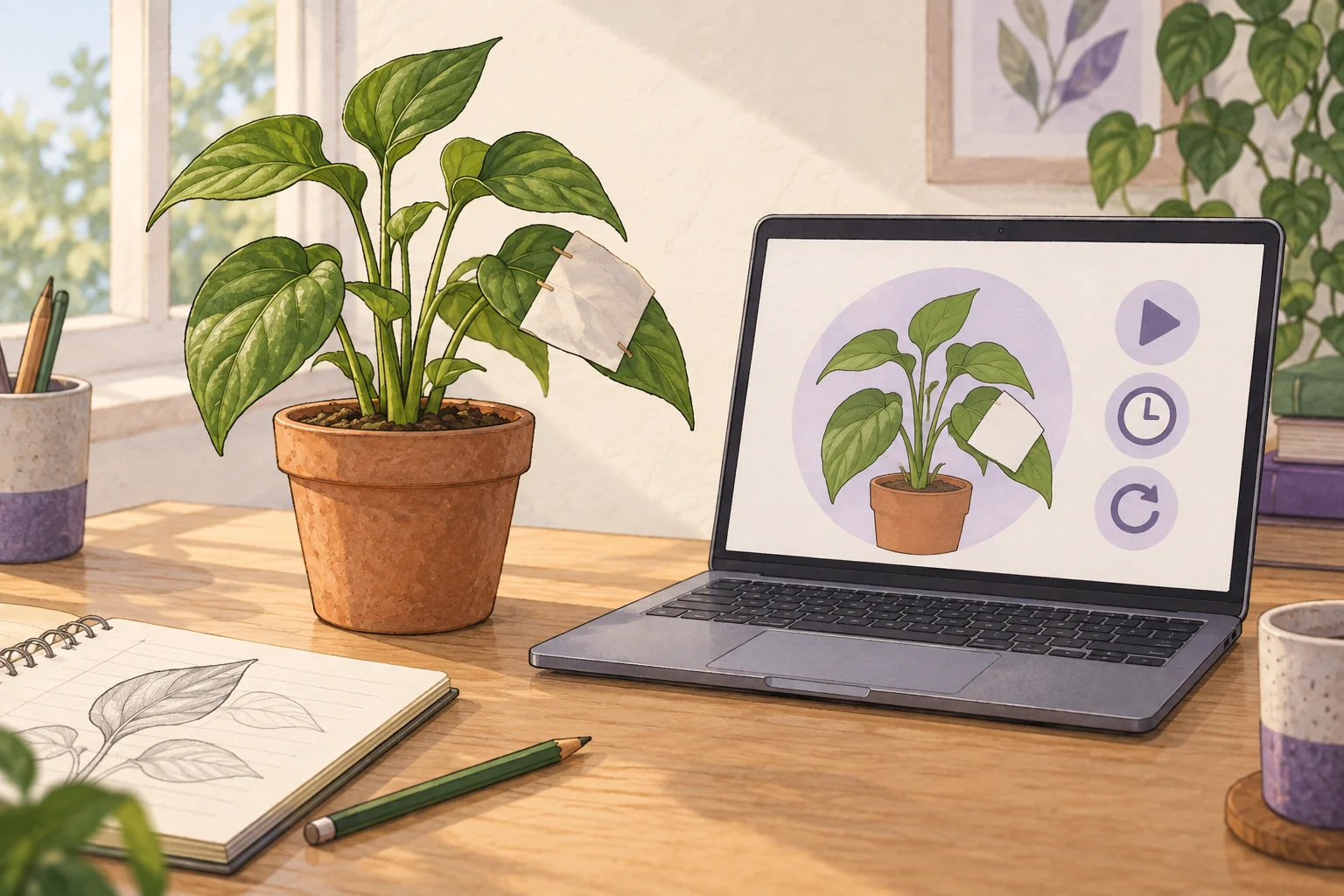
In a fictional virtual version, students choose which part to cover, predict the result and advance a virtual clock. They inspect the simulated result, reset and try a different arrangement. The teacher asks what changed and whether the result matched their prediction.
The useful part is being able to repeat the experiment with a different choice. A student can follow up a question while the learning is still fresh, without waiting for another physical experiment. The model compresses the waiting; the real plant still takes its own time.
Make it part of the practical lesson
A useful virtual lab gives students something to decide and explain. Simply clicking through a sequence tells you little about what they understand. Asking for a prediction before showing the result gives the teacher something to discuss, especially when the student expected something different.
It can also provide a way to revisit forgotten steps. Suppose a student remembers the experiment but cannot recall what comes next. A simulation could ask them to choose the next step, offer a hint if needed and explain why that step matters. They can work through the sequence again before returning to the physical lab.
Plan how that practice connects to the physical session:
Before the physical lab
Make a prediction, rehearse the sequence and explain what to compare.
During the physical lab
Handle real materials, follow the procedure and record what actually happens.
Afterwards
Review forgotten steps, compare real and simulated results, or explore a question there was no time to try.
The right balance depends on what you want students to learn. If the aim is to understand why light matters in photosynthesis, a simulation gives them a way to explore the idea and explain it. If the aim is to learn how to carry out the experiment, they also need to handle real leaves, carefully handle chemicals, use the equipment and perform the test under supervision. Completing a simulation does not show that they can do those things independently.
There is also a difference between illustrating a concept and gathering evidence for it. The simulation shows what its programmed rules predict. The physical experiment lets students collect evidence from real plants. Its chemicals and hot liquids need appropriate precautions. See the practical guidance.
Before creating a simulation, ask a teacher who knows the subject to check that it explains the science correctly and makes any simplifications clear. Try it on students' devices, and check that learners with disabilities can use the controls and understand the results.
Choose the smallest useful change
If students only need to see a process, a demonstration or video may be enough. If they need a reminder of the steps, clear written instructions may do. A simulation offers something more: students can choose what to do, see the result and try again. This is especially useful when equipment is shared, materials are costly, experiments take days or a teacher must be present to supervise.
You may find a simulation that already teaches the topic you need. Try it before paying to have a new one made. A new simulation takes time to build and check, and someone will need to keep it working as devices and software change.
If you are considering a virtual lab simulation, you can contact Crownzcom and explain what you teach, what students find difficult and what stops them getting enough practice. You do not need to know how the software would work.
Before choosing your first topic, ask:
- Where are students struggling: understanding the idea, performing the technique or interpreting results?
- Which experiment or steps do students need to practise again, and what stops them doing so?
- What must remain physical and supervised?
- Who can check that the simulation teaches the subject correctly, and can every student use it?
- Could a simpler resource (like an illustration) meet the need, and how will you judge whether the change helps?